How to Activate Your Lebara Mobile Sim Card in 2026
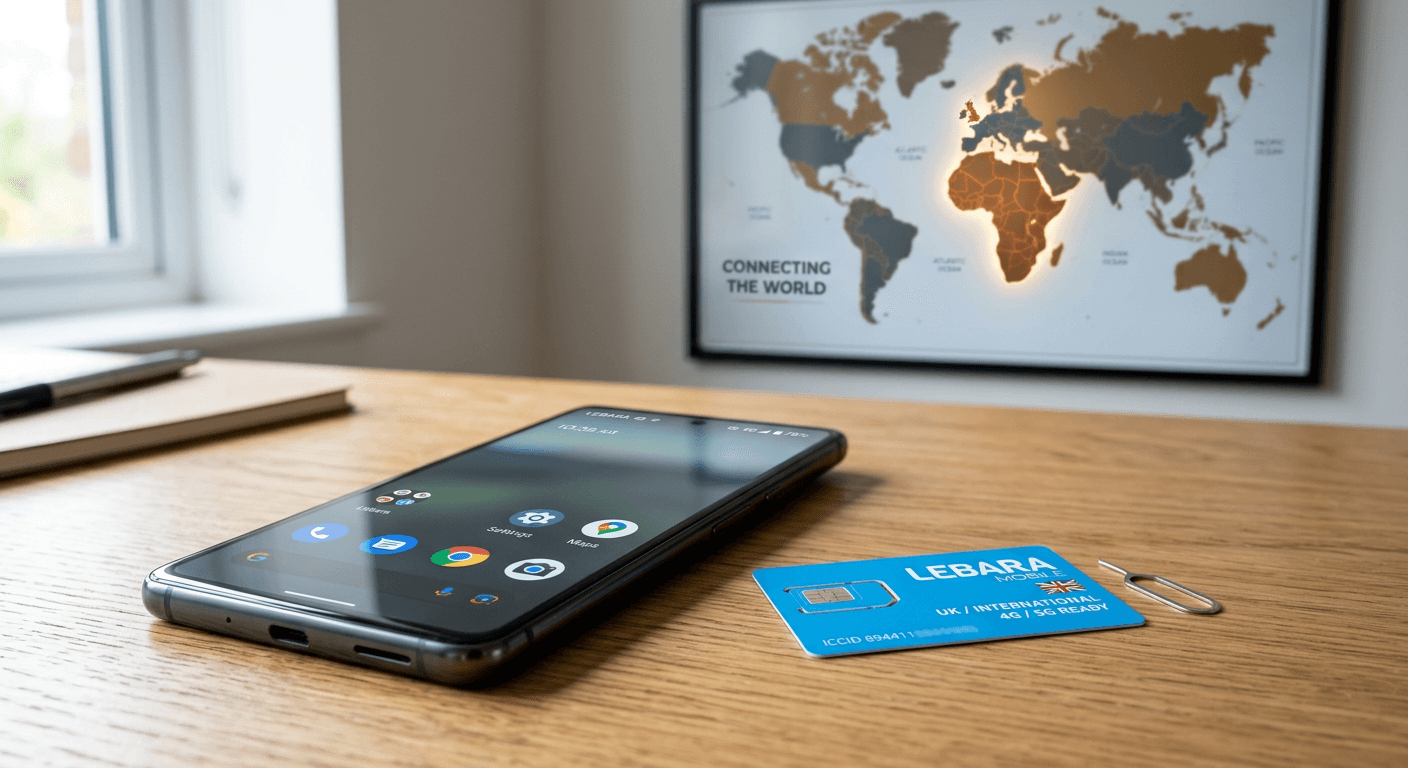
Activating your Lebara Mobile SIM card in 2026 is a straightforward process designed to get you connected to both UK networks and international calling services quickly. For Africans living in the UK, choosing a provider like Lebara often balances the need for affordable local data with the necessity of keeping in touch with family back home. Whether you are calling home to Nigeria, Ghana, Kenya, or Zimbabwe, ensuring your Lebara mobile SIM card activation is handled correctly from the start prevents service interruptions and allows for seamless management of your balance and data.

Quick Summary
Lebara mobile SIM card activation in 2026 involves inserting your SIM, waiting for signal detection, and completing the first mandatory top-up or registration via the official app or website. Most cards activate automatically upon your first domestic use, though registration is required to unlock full account management features and international benefits.
- Insert the SIM into an unlocked device.
- Wait for the network signal (Lebara/Vodafone).
- Perform an initial top-up to activate the line.
- Check your balance using shortcodes.
Table of Contents
- Quick Summary
- Preparing Your Device for Activation
- Step-by-Step Activation Process
- Managing Your Account and Lebara Number Check
- Maximizing Your Lebara Recharge Plan
- Common Pitfalls and Troubleshooting
- Frequently Asked Questions
- Recommended Reads
Preparing Your Device for Activation
Before you begin the activation process, you must ensure that your mobile device is carrier-unlocked. Many phones purchased under contract from other UK providers are locked to their specific network; if your phone is locked, it will not recognize a new Lebara SIM, regardless of how many times you restart the device. You can verify your device compatibility by visiting the esim checker to see if your phone supports modern connectivity standards.
If you have a dual-SIM phone, consider which slot you intend to use for your Lebara card. It is often best to keep your primary data SIM in the main slot. Additionally, ensure you have your activation code or the serial number located on the back of your SIM card packaging. Having this information handy before you insert the card will expedite the registration process when you eventually visit the provider's portal to finalize your identity verification.
Step-by-Step Activation Process
- Physical Insertion: Power off your smartphone completely. Insert the Lebara SIM card into the appropriate tray. Ensure the metal contacts are facing the correct direction as indicated by your phone's SIM tray icon.
- Network Connection: Power on your device. After a few moments, the phone should display 'Lebara' or 'Vodafone' as the carrier in the top corner. If you do not see a signal, toggle Airplane Mode on and off to force a network refresh.
- Initial Activation: Most Lebara SIM cards are pre-activated. To fully enable the account for outgoing calls and data, you typically need to make a balance top-up. You can handle this easily through airtime services or by logging into your account.
- Registration: Visit the Lebara website to register your SIM. This step is crucial for security and ensures you can recover your number if the physical card is ever lost or damaged.
Pro Tip: If your phone does not automatically detect the APN settings after insertion, navigate to your mobile network settings and manually enter 'uk.lebara.mobi' as the APN to ensure your mobile data functions correctly.
Managing Your Account and Lebara Number Check
Once your SIM is active, you will need to know how to identify your new number for sharing with family and friends. To perform a lebara mobile number check, simply dial *#100# on your keypad and press the call button. Your mobile number will be displayed on the screen within seconds. This is the most reliable method for confirming your credentials without needing to navigate through complex app menus.
For those who prefer a more visual interface, downloading the official Lebara app allows you to track your remaining data, talk time, and international minutes. If you find managing physical SIMs tedious, you can explore the esim guide to transition your existing service to a digital format, which is often more convenient for those who travel between the UK and African countries frequently.
Maximizing Your Lebara Recharge Plan
Choosing the right lebara recharge plan depends on your calling habits. Many diaspora members benefit from plans that offer specific bundles for international calls to countries like Nigeria, Ghana, or Kenya. When it comes time to lebara recharge internet, you can do so via the app, in-store vouchers, or via trusted third-party platforms that allow you to manage your mobile plans in one place.
Always check if your plan includes 'inclusive international minutes.' Using these minutes for your calls home rather than your standard balance will save you significant money over the course of a year. If you run out of data before your month ends, don't rush to buy a standard add-on; check your account to see if there is a 'bolt-on' that provides better value for your specific usage patterns.
Common Pitfalls and Troubleshooting
One common issue users face is a 'SIM Not Provisioned' error. This usually occurs if the SIM has not been properly registered on the network or if there is a delay in the activation server processing your initial top-up. If this happens, wait 30 minutes, restart your phone, and check the network status again. If the issue persists, contact support to verify that your SIM status is marked as 'Active' in their database.
Another pitfall is assuming your SIM will work immediately upon arrival in the UK without an initial deposit. Lebara often requires the first purchase to be made to fully register the account on their HLR (Home Location Register). If you are struggling with poor data speeds, ensure your 4G or 5G settings are enabled in your phone's 'Cellular' or 'Mobile Data' settings menu.
Frequently Asked Questions
How long does it take for my Lebara SIM to activate? Most cards activate within minutes of being inserted and receiving the first top-up. In rare cases, it can take up to 24 hours for full network services to populate.
Can I keep my old phone number? Yes, you can transfer your existing number from another UK provider by requesting a PAC code from your current carrier and providing it to Lebara through their porting portal.
Do I need to register my SIM with ID? While Lebara is a prepaid service, registering your details online is highly recommended to protect your account and access features like account history and auto-renewals.
What if I lose my Lebara SIM card? Contact Lebara support immediately to suspend your line, then order a replacement SIM card, which can be linked to your existing account number to keep your balance and plan intact.